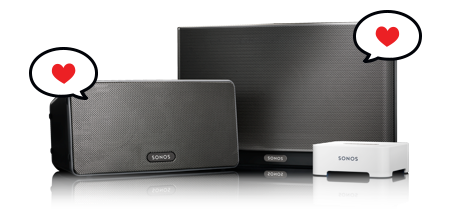
We’re big fans of Sonos, which allows us to wirelessly stream music throughout our apartments. Sonos support has long been a requested feature, and now it’s here! Here’s how to set it up:
In your Controller, go to Preferences > Services > Sonos Labs > The Hype Machine. Currently, you can play the Latest, Popular, and your Favorites page. More will be added in later versions, but we just wanted you to be able to play around with this sooner.
And if you’re lucky enough to have multiple Sonos systems in your life (we use one in our office as well), Arkadiy wrote a script to easily switch between them. Let us know what you think!
Comments
10 responses to “Hype Machine on Sonos”
For a long-time fan of Hype Machine and a recent Sonos-convert this news is music to my ears!
I’ve been wishing for Hype Machine on Sonos ever since I got my system!
Thank you guys for being so awesome!
Awesome!
When I listen to Hype Machine it does not populate my listening history on the website. Is that correct / something to be added later on? Thanks!
Seriously could not get better than this. I have been trying to ghetto rig my hype machine favs with sonos for so long….dream come true. Gentlemen if you had a tip jar it would be brimming. THANKS
The newly released version is absolutely fantastic!
Updating the Hype Machine favorites directly from the sonos controller is amazing: I love it!
In two month you have totally changed my way to listen to music.
Thanks you so much 🙂
Great news! We will use this often!
Great news! We will use this often and are really excited
this is a game changer.
[…] Sonos app is LIVE! In this release, we’ve added the ability to listen to every blog in our Blog […]
one note : to enable the service you have to go to
Preferences > Services > Add > The Hype Machine
and not
Preferences > Services > Sonos Labs > The Hype Machine
🙂
Used regularly in my household. Good work guys.